 COME
COMEIPL Match Information: Fixtures, Scores and Cricket Basics
Start with the right match, then read its status and score. This IPL guide explains the details that matter when checking a fixture or following an innings. For COME installation information, the button below opens the separate Android download guide.
What to check in an IPL listing
The Indian Premier League is a T20 cricket competition. A match listing usually brings together the teams, venue, scheduled date and start time. The score belongs to a particular match and innings, so identify those before interpreting a number.
- Fixture: a scheduled match, which may still be subject to change.
- Live score: an in-progress update; check the update time and innings.
- Result: the completed outcome, including the stated margin where shown.
- Highlight or poster: selected material that can remain visible long after the match.
Read a score in the right order
A score such as 162/6 means 162 runs for six wickets lost. Some graphics use a hyphen, as in 162-6, for the same runs-and-wickets layout. The over count gives the progress through the innings; it is a separate value.
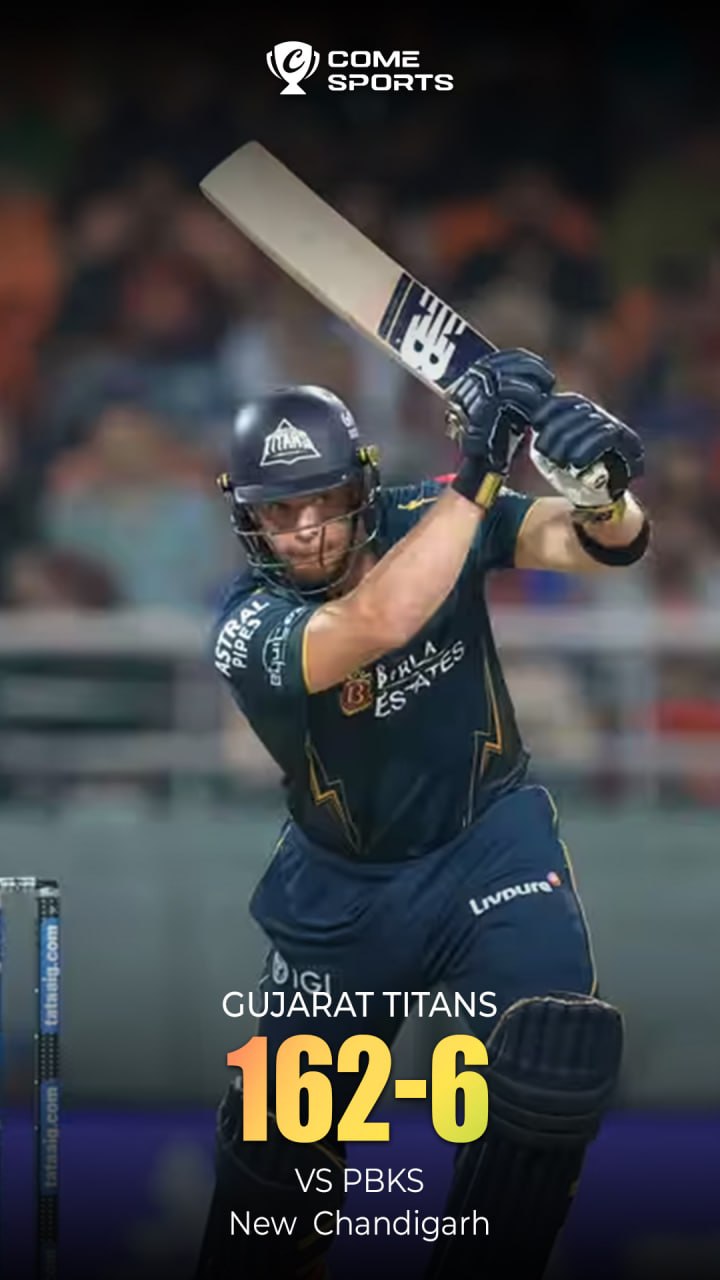
An over normally contains six valid balls. A display of 12.3 overs means twelve complete overs and three valid balls, not 12.3 in decimal arithmetic. Wides and no-balls do not count among those six valid balls.
Check the fixture before relying on a time or score
- Open the current IPL information source and select the correct season and match.
- Match both team names and the venue. Similar fixtures can occur more than once.
- Check the timezone shown with the start time. If it is IST, that means Indian Standard Time, UTC+5:30.
- Read whether the match is upcoming, live, delayed or complete, and check when the information was updated.
- Use the full scorecard for innings detail. A cropped graphic can omit the date, overs or result.
Use the IPL website for current competition information and MCC’s Laws for the definition of an over. The examples on this page are for reading practice, not a live feed.
How this topic fits with the COME guides
This site keeps cricket explanations alongside its COME app information. Supplied sports graphics are used as reading examples. Their presence does not establish an IPL partnership, broadcast rights or access to any particular match within COME.
If your next task is getting the Android app, use the download guide for file and installation checks.
Questions readers often ask
Does a poster dated today prove a score is live?
No. Check the original match page and its update time. A poster can be reused, shared later or show only part of an innings.
Is 60/1 after six overs a final result?
It describes 60 runs and one wicket lost at that point. It does not, by itself, tell you which side won.
Where can I practise reading the numbers?
The score-reading guide walks through runs, wickets, balls and a simple run-rate example using two archived graphics.
Continue with Android download help
Keep match research and app installation as separate steps. The download page explains the COME entry and what to check before installing.