 COME
COMEFind the Right COME Help Topic
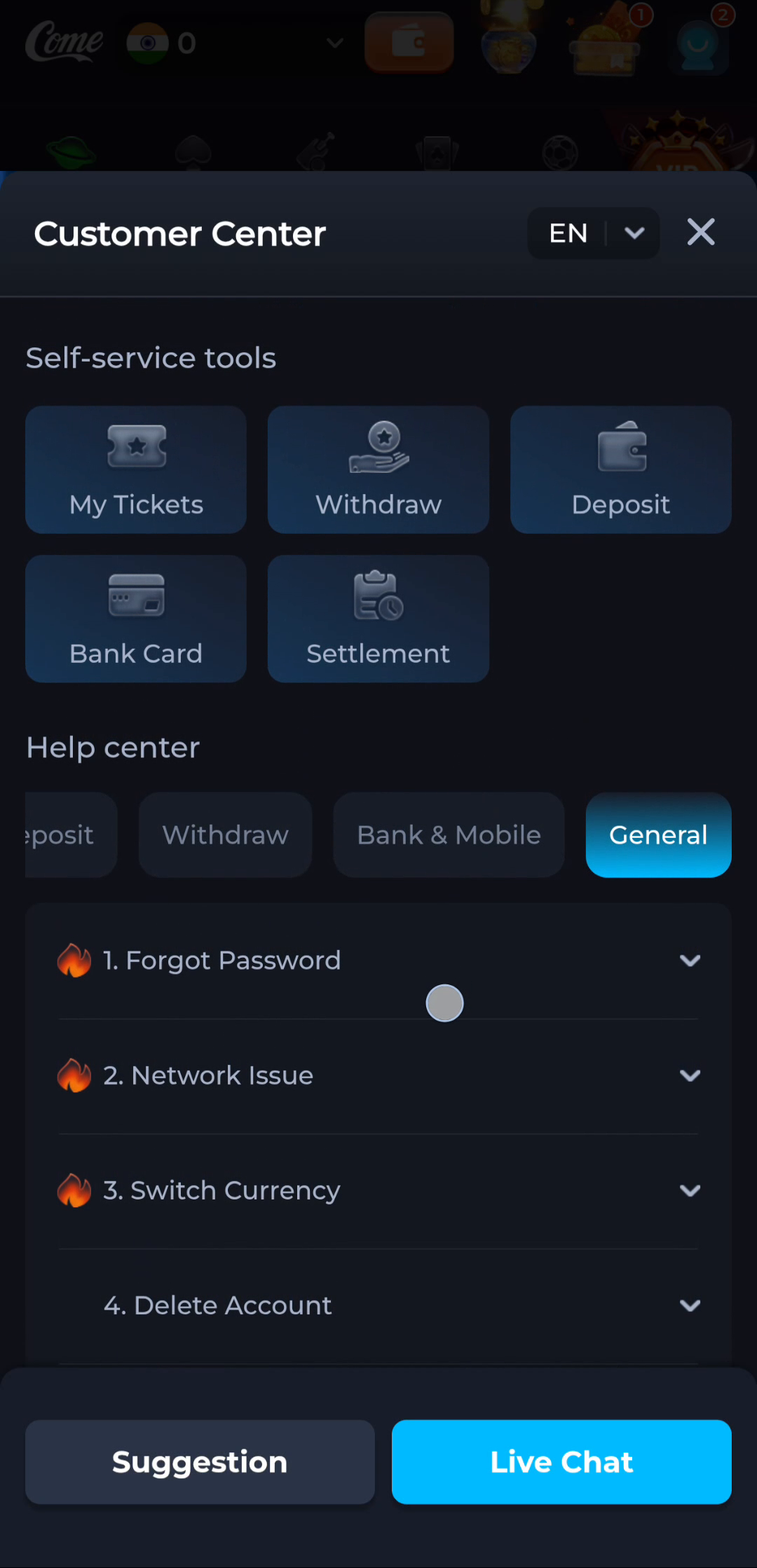
Choose a help topic by the problem you see, not by the most prominent button. The supplied COME Customer Center separates help categories from other menu entries. Its General section includes labels such as Forgot Password and Network Issue.
Use the menu as a map
The reference account menu includes Contact CS, while the Customer Center image shows self-service tiles and a Help center section. Within the Help center, category tabs organise different subjects. These are reference labels; current wording or availability can differ.
Match the question to the category
- A page does not load or an app cannot connect: start with connection checks and the Network Issue topic if it is present.
- You cannot use your usual sign-in method: look for the verified account-recovery topic shown by the service.
- You want to understand a language or sound control: inspect the corresponding Settings option.
- An APK cannot be installed: begin with the exact Android installer message. That issue may arise before any in-app help is available.
Do not choose Delete Account as a way to troubleshoot a connection or login problem. The label describes a different action and may have lasting consequences.
Prepare one clear description
- State what you were trying to do, such as opening the app or checking an update.
- Describe the exact point where it stopped and copy the visible error text.
- Include the time and relevant device details, such as phone model, Android version and app version.
- List checks already tried, so the same steps are not repeated without a reason.
- If a screenshot helps, hide private information before sharing it through a verified support route.
Keep account secrets out of the report
A useful technical description does not need your password, one-time code, UPI PIN or full card details. Do not follow an unverified contact solely because it appeared in a search result or a forwarded message. Use the help route you can verify within the service.
What the reference cannot promise
The image shows Suggestion and Live Chat labels, but it does not establish current opening hours, response times or the outcome of a support request. This website explains the reference content; it is not an account support inbox.
Related reading
If the problem is a download, identify the stage before contacting anyone. For an update, compare the installed version with the offered release.
Locate a download or launch problem
Return to the COME overview for the app reference and the main entry.