 COME
COMECOME Download Opens a Web Page: What to Do Next
A web page opening does not mean an APK has downloaded. The COME entry on this site points to an external app page. Check whether that destination offers an Android file, and use your browser’s download status to confirm a transfer.
Four things that can look similar
- App page: content displayed at a web address in your browser.
- APK file: a downloaded Android installation package that still needs the installer.
- Home-screen shortcut: an icon that can open a website; an icon alone does not prove an APK was installed.
- Installed application: an app installed through Android and normally listed in the phone’s app settings.
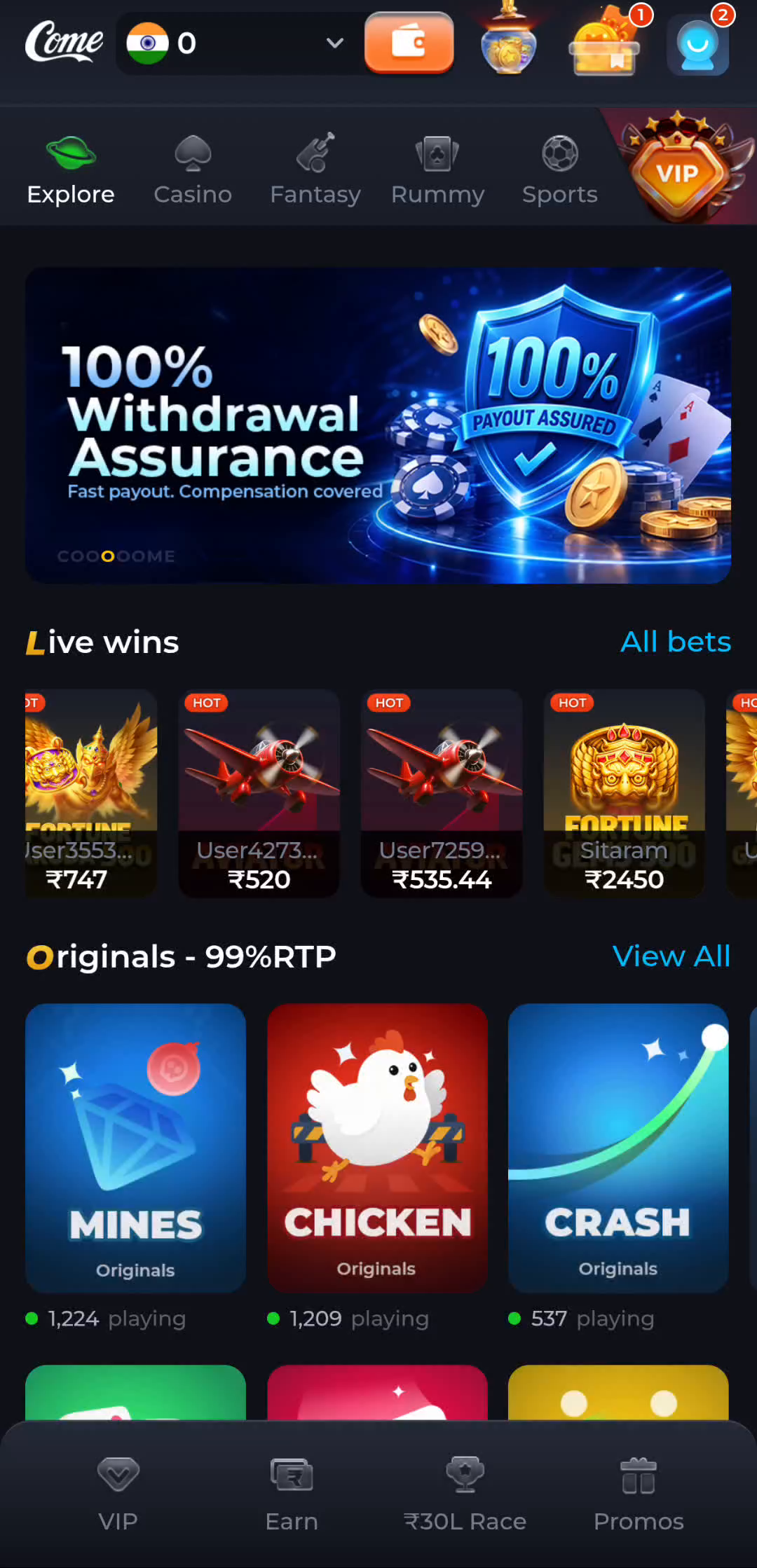
A familiar logo or game screen is not enough to distinguish these states. Look at the address bar, Downloads list and Android app information instead.
Check what happened after the click
- If you are still viewing a browser tab, read the destination and look for its Android download option. Do not assume any large banner is the file link.
- Open your browser’s Downloads list. Look for a completed file entry and inspect its name and details. An empty list does not show a completed APK download.
- If a file is still transferring, let it finish. An interrupted or partial transfer is not ready to install.
- If Android’s installer opens, review its app identity and warnings before proceeding. Reaching the installer is not the same as finishing installation.
- After installation, use Android’s app settings to check the application entry. A website shortcut may instead return you directly to the browser.
If the page has no Android file option
The available choices can depend on the destination, device or service state. Read the page’s own instructions or use its verified help route. Do not replace an unavailable option with an APK from an unrelated result just because the name looks similar.
If the destination displays an error or access restriction, note the message. Repeated tapping, changing the file extension or bypassing a warning does not verify the correct app.
What this means for iPhone users
An Android APK cannot be installed as an iPhone app. A mobile web page can still open on an iPhone, but that does not establish an iOS app release. No iOS download is confirmed in these guides.
Choose the next step
A stopped transfer needs a download-stage check. An existing installation needs a version comparison before an update. Return to the guide collection when the problem belongs to a different stage.
Troubleshoot a stopped transfer
Use the download page for the complete Android sequence and the current COME entry.